Haalarit part 1 – setup
Motivation
For some background for the project let me tell you about Finnish student culture.
Student boilersuits (sometimes called overalls) are very popular in Finland and everyone customizes them to mave them look and feel like their own. Now before starting my computer science studies at the University of Helsinki my dad showed me his old student boilersuit with all the gadgets he had put on it: EPROMS, LEDs and all kinds of electronic components. Now he did study electrical engineering so it makes sense he had that sort of things attached. And of course none of the components were wired to anything: just props.
 Photo from Wikipedia
So then naturally I was thinking I needed to go full tryhard mode if I wanted to make my overalls better than his and naturally that could only mean doing the same but actually wiring all the components together to make some kind of Iron man suit for myself.
Now two things are going to give me an advantage here. First, most electrical components can nowadays be bought for relatively cheap online. And second the help of my dad.
Getting started
Now for the actual implementation. The obvious choice was to go for an ESP32 microcontroller and attach stuff to it. That way I could control everything nicely and we already had some ESP32s lying around. First I decided to get a 128x64 pixel OLED screen, a temperature sensor, a rotary encoder and a strip of programmable LEDs all working. This would make up the version one of the project once I made a cohesive system out of these components
I first tried to get the OLED screen to work but I completely failed at it at first and after playing around with some Adafruit library for a few hours I decided to give up with the screen and start off simpler. The next day I followed a random nerd tutorials tutorial for setting up the temperature sensor which ended up being really simple.
Now since getting the temperature sensor working took me only approximately 15 minutes I got back to programming the OLED screen. I asked my dad which library he had used to make a similar screen work and he linked me this u8g2-library. Now with the right library I got some text on the screen quite quickly.
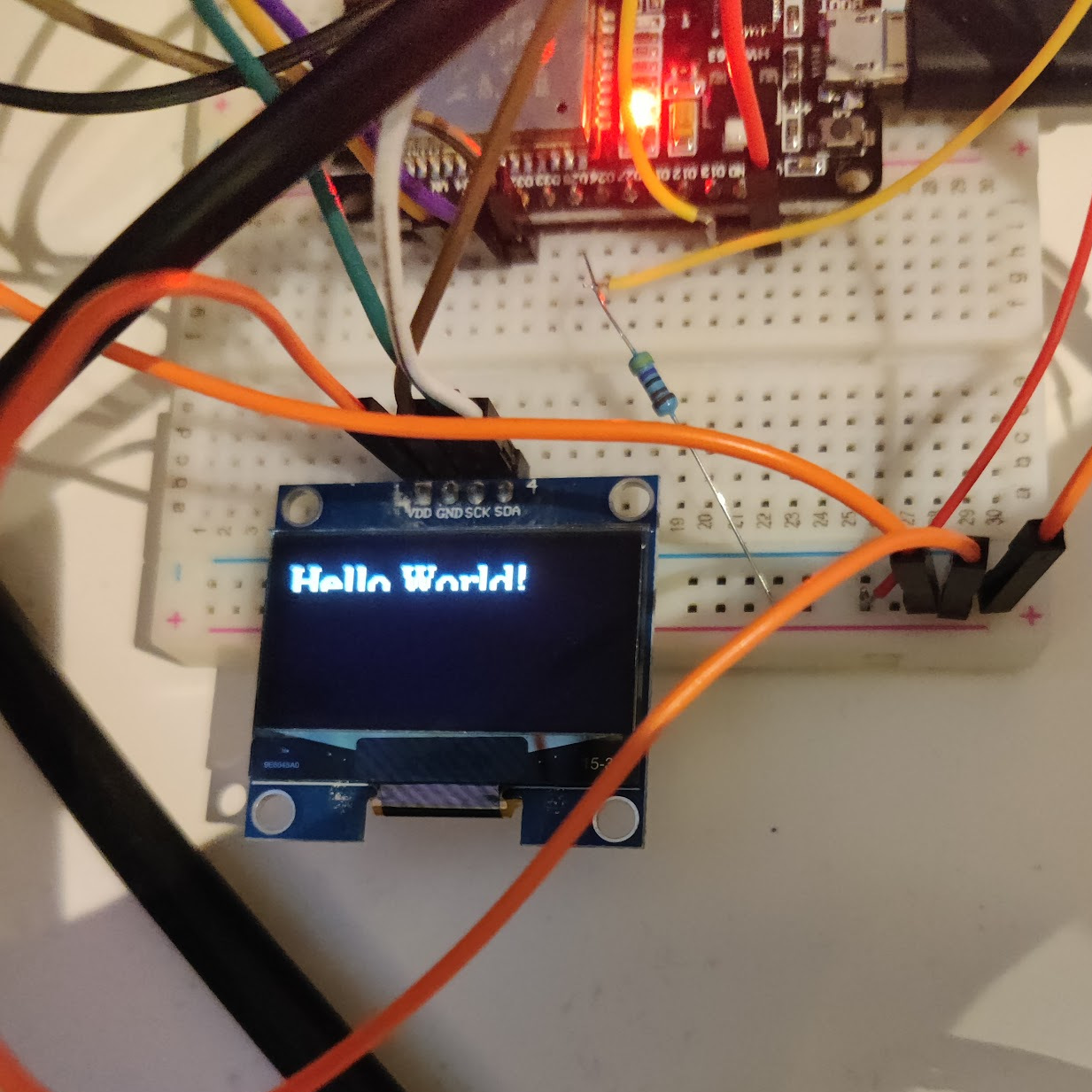
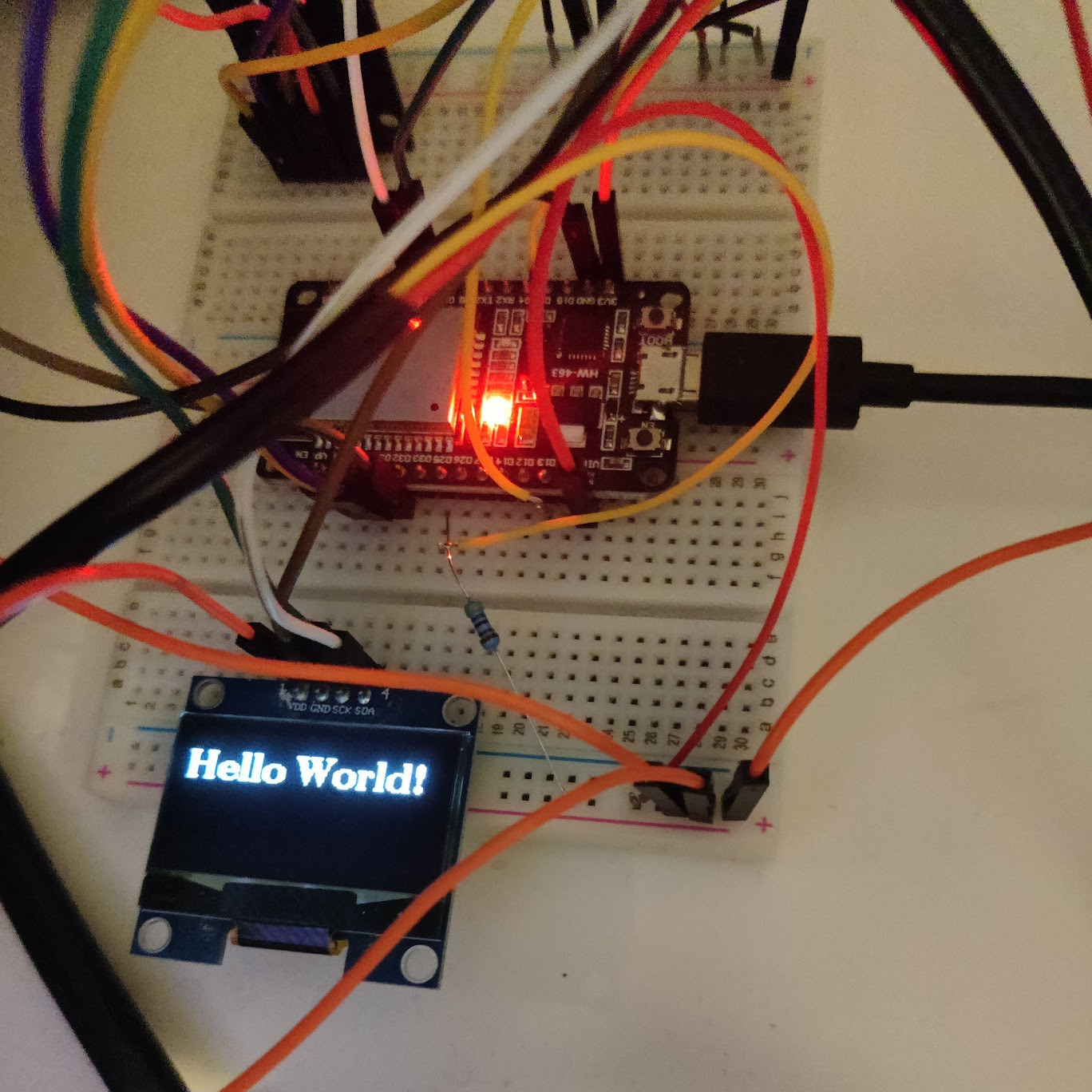
However, the text was vertically split so that the bottom part was not rendered. This was because I had changed the rendering mode to 2 pages while taying to get it to work. In this mode each chunk of the screen was written individually, meaning to turn the entire screen white the code would have to loop around 3 times until all the screen data had been sent from the microcontroller's memory. Now since the ESP32 has a good amount of memory I simply changed the rendering mode to full, meaning the whole screen buffer would be always in memory. Now the text appeared on the screen correctly.
In the next part I will tackle the rotary encoder and maybe the LED-strip. Now we will see if I can manage to get this in time for May 1st (a big day for all students in Finland). I should have plenty of time, given I have been planning this since August.